- umkm
- e-commerce
- engineering
- mvp
How to Register for Sapa UMKM: Website Integration Guide
How to register for Sapa UMKM online in 2026: step-by-step signup, required documents, fees, login tips, plus website and data prep for Indonesian SMBs.
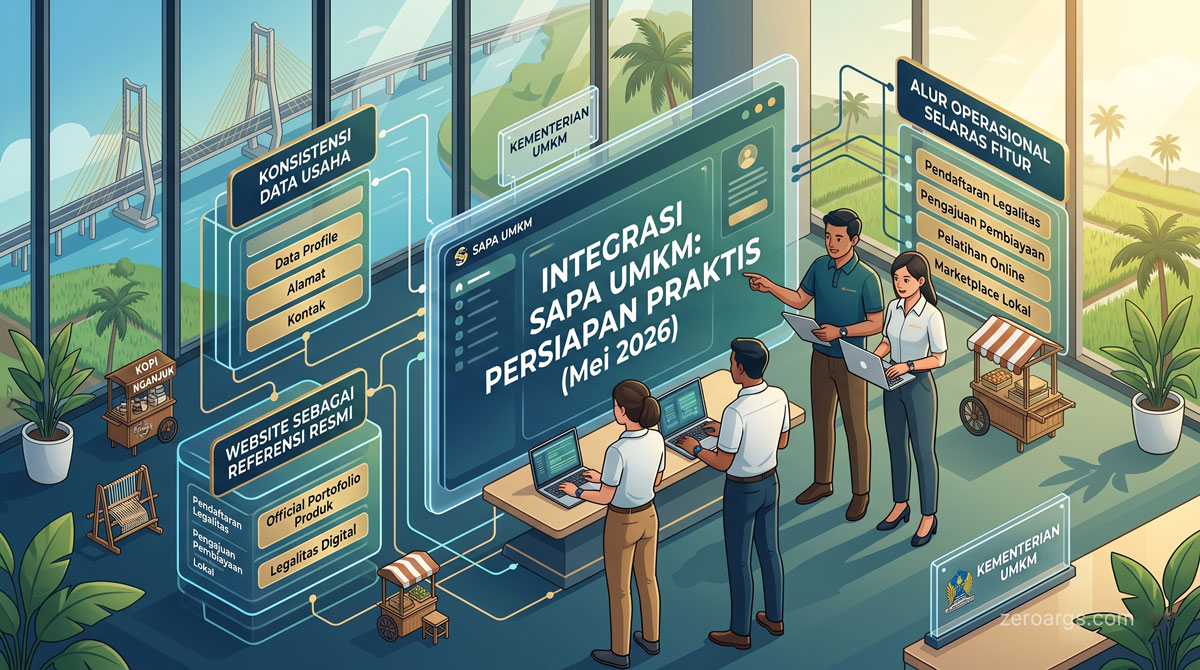
In May 2026, Indonesia's Ministry of Cooperatives and SMEs launched Sapa UMKM — a unified superapp for registration, financing, training, bookkeeping, and a planned domestic marketplace. Whether you operate in Nganjuk, Surabaya, or elsewhere in Indonesia, searches for how to register for Sapa UMKM usually come first — then: "what data and digital assets should I clean up so integration is not a one-off checkbox?"
This article covers how to register for Sapa UMKM online, documents and costs, then practical prep: consistent business data, a website as official reference, and flows aligned with live and upcoming features.
1. What Sapa UMKM Is — and What It Does Not Promise Yet
Sapa UMKM is built on one dataset (NIK and NIB), one platform (cross-ministry services), and one access point for entrepreneurs. Soft-launch features include UMKM verification, digital bookkeeping, capacity-building, a digital wallet, and a business card program.
Still in development — and worth planning for — are certification workflows (halal, trademarks, product standards), licensing through OSS RBA, a national UMKM marketplace, financing access, and integration with Telkom's PaDi UMKM for BUMN procurement.
Sapa UMKM is not a replacement for your website or your Shopee storefront. It is a government identity and services layer that will increasingly connect to markets and capital. Your website remains where you explain products, policies, and trust signals outside an app template.
2. How to Register for Sapa UMKM Online (Step-by-Step)
Here is a fuller Sapa UMKM registration flow than “download the app and hope.” Screens may shift between app versions, but the pattern stays the same.
- Gather documents first — NIK, NIB, phone, email, and business address. Pausing mid-flow is the most common reason owners abandon signup.
- Download the official app — search for Sapa UMKM on Google Play Store (Android). Confirm the publisher is a government body or official partner, not a clone.
- Create a new account — enter your NIK, an active phone number, and an email you actually check. Keep OTP codes; avoid numbers that change often.
- Complete basic identity verification — follow the in-app NIK/KTP confirmation. Data must match your physical documents.
- Fill in your business profile — name, operational address, product/service category, and official contacts. Match NIB and OSS — not your Instagram nickname.
- Link your NIB — enter or connect an active NIB. Without a valid NIB, verification and program access usually stall.
- Upload supporting assets — business photo, logo, or extra documents when requested. Clear files speed up review.
- Submit for verification — once the profile is full, proceed to verified status and note what the screen shows.
- Enable only relevant features — bookkeeping, wallet, or training. Do not turn everything on if daily operations cannot log transactions yet.
- Test login again — sign out, then log in to Sapa UMKM to confirm the account and saved data before you tidy your catalog.
If you get stuck, the cause is usually inconsistent data (name differs on KTP vs NIB) or an inactive NIB in OSS — not “just a server error.”
3. Documents Required to Register
Before you tap register, gather:
| Document / data | Why you need it |
|---|---|
| NIK / KTP | Owner identity for NIK-based accounts |
| Active NIB (OSS) | Foundation for verification and official programs |
| Active phone & email | OTP, notifications, and account recovery |
| Accurate operational address | Profile, shipping, and regional clustering |
| Business photo / logo | Profile completeness and credibility |
| Business bank account | Digital wallet and financing pathways (if used) |
| Product certifications (optional) | PIRT, halal, BPOM — when relevant |
For new businesses: secure an NIB via OSS RBA first, then register on Sapa UMKM. Signup without an NIB often ends in a half-finished profile.
4. Sapa UMKM Fees: Is It Free?
Sapa UMKM registration is free. Core services — account, basic verification, bookkeeping, and program access — have no SaaS-style subscription.
Outside costs that can still appear:
- Creating or updating an NIB / OSS record if data is messy.
- Product certification (halal, BPOM, PIRT) when required.
- Commissions and ads on Tokopedia, Shopee, or TikTok Shop.
- Building or maintaining a website for an owned reference beyond the app.
In short: signup is free, but legal readiness and digital assets outside the app may still need investment.
5. Sapa UMKM Login vs Registration
Many owners mix up register and login:
- Register — once, for a new account with NIK, phone, email, then the business profile.
- Login — every later visit via credentials or OTP to the phone/email on file.
If you already registered, do not create a second account with the same NIK. Forgot the password or changed numbers? Use in-app recovery, not a fresh signup. After login, keep completing the profile — “signed in” is not “verified.”
6. Why Early Onboarding Is Cheaper Than Waiting for Mandates
The government is targeting tens of millions of UMKM in the system and plans mandatory onboarding once the platform is fully operational. Registering now is not about FOMO — it is about reducing friction later when financing, certification, or the domestic marketplace goes live.
Businesses with an active NIB, clean data, and a structured catalog clear verification faster and are better positioned for formal financing (including partners like PNM) than teams that scramble for documents near deadlines.
7. Data That Must Stay Consistent Across Every Channel
The most common integration failure is misaligned data. Your Instagram shop name differs from your NIB, your marketplace address does not match OSS, or SKUs in a spreadsheet do not match your WhatsApp catalog.
Before treating Sapa UMKM as a source of truth, clean up at least:
| Data | Why consistency matters |
|---|---|
| NIB and registered business name | Foundation for verification and official programs |
| Operational address | Shipping, invoicing, and regional cluster mapping |
| Product/service category | Ecosystem mapping and future PaDi alignment |
| Official contact (phone, email) | Program and financing notifications |
| Business bank account | Digital wallet and capital reconciliation |
Maintain one spreadsheet or simple system as your master data — even if your team is just two people. Sellers with structured catalogs scale faster when the domestic marketplace integrates.
8. Where Your Website Fits in the Sapa UMKM Ecosystem
Many articles stop at “how to register the app.” An owned website still matters because Sapa UMKM does not replace product detail pages, shipping policies, or credibility proof before ordering.
Your website is a controlled official reference:
- Product or service pages with full descriptions (not just marketplace titles).
- Privacy policy and contact — relevant under UU PDP when you collect customer data.
- Certification proof (PIRT, halal, BPOM) that will eventually tie into Sapa UMKM features.
- Links to WhatsApp Business, QRIS, or existing marketplaces.
If you lack a site, prioritize a realistic multi-page MVP synced to Sapa UMKM data — not a complex portal. Match name, logo, and contacts across web, the government app, and Instagram.
9. PaDi UMKM and the Domestic Marketplace: What to Anticipate
Integration between Sapa UMKM and PaDi UMKM is positioned as the base for a domestic UMKM marketplace — an alternative for sellers frustrated by commercial e-commerce fees. Not fully launched yet, but verified UMKM with complete data will enter BUMN supply chains, pemda procurement, and institutional buying more easily.
For East Java businesses, light B2B (school catering, office supplies, processed goods) opens if you already have a verified profile, SKU catalog with baseline pricing, and audit-ready legal documents. Do not wait for launch to fix operations.
10. Integration Checklist: Payments, Inventory, and Privacy
Sapa UMKM adds a digital wallet and bookkeeping — but most SMBs still accept QRIS, virtual account transfers, and e-wallets (GoPay, OVO, DANA) outside the app. Healthy integration means reconciliation, not moving every transaction into one wallet.
| Layer | Practical action |
|---|---|
| Payments | Log every QRIS/VA receipt with an order reference; avoid mixing personal and business accounts |
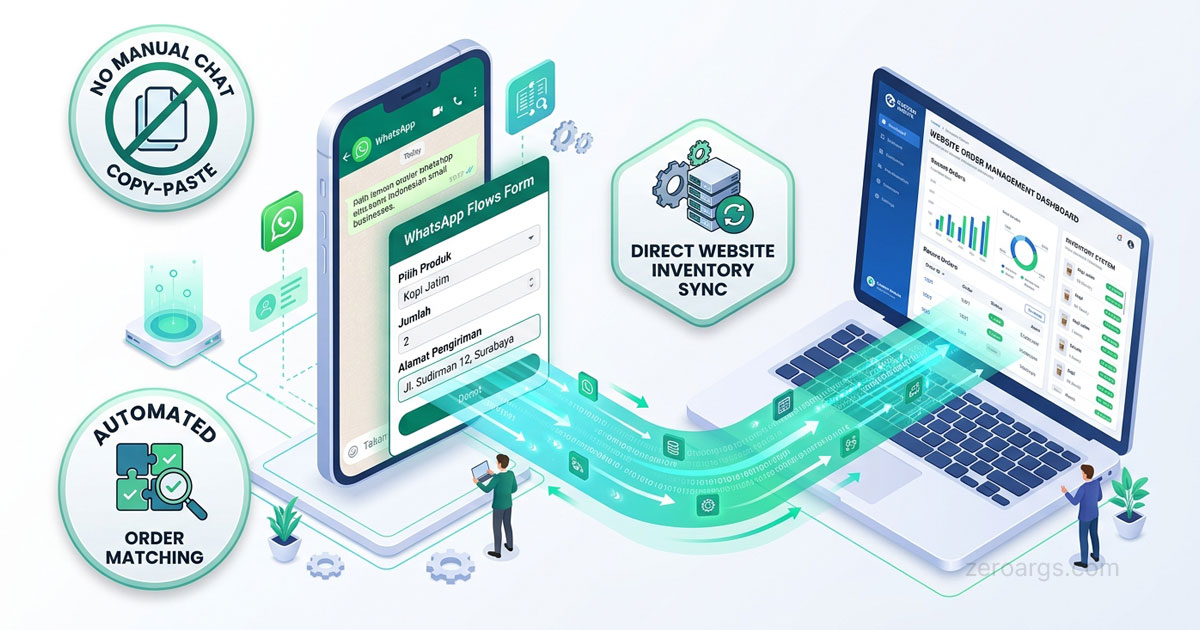
| Inventory | One source of truth for active SKUs — critical for future omnichannel (order and stock sync) |
| Privacy | A privacy policy page if you collect names, addresses, or preferences |
| Compliance | Keep NIB and OSS RBA current before applying for certification through the platform |
Digital bookkeeping is most useful when the numbers you enter match the counter and bank account — not estimates for paperwork.
11. Common Mistakes When Rushing to Register
Teams that hurry to “check the registration box” without prep often hit:
- Incomplete profiles that delay verification when financing opens.
- Unstructured catalogs — photos without SKUs, prices, or shipping weights.
- Ignoring the website even though B2B buyers and organic search need a reference page.
- Duplicate identities across Sapa UMKM, Tokopedia, and Instagram.
- Duplicate accounts from registering again instead of logging in.
The fix is registering early while tightening foundations in the first two weeks: master data, a minimal web presence, and daily bookkeeping.
12. Sapa UMKM vs Relying on Commercial Marketplaces Alone
| Aspect | Commercial marketplace only | Sapa UMKM + website + marketplace |
|---|---|---|
| Service fees | Platform commissions and ads | Government program access; domestic marketplace positioned as lower-cost |
| Licensing and certification | You handle separately | OSS, halal, BPOM integration (rolling out) |
| Formal financing | Limited; often informal lending | Capital pathways via partners like PNM |
| Customer data | Platform-bound | Owned via website + WhatsApp |
| BUMN / institutional supply | Hard without verification | PaDi UMKM as entry point (future) |
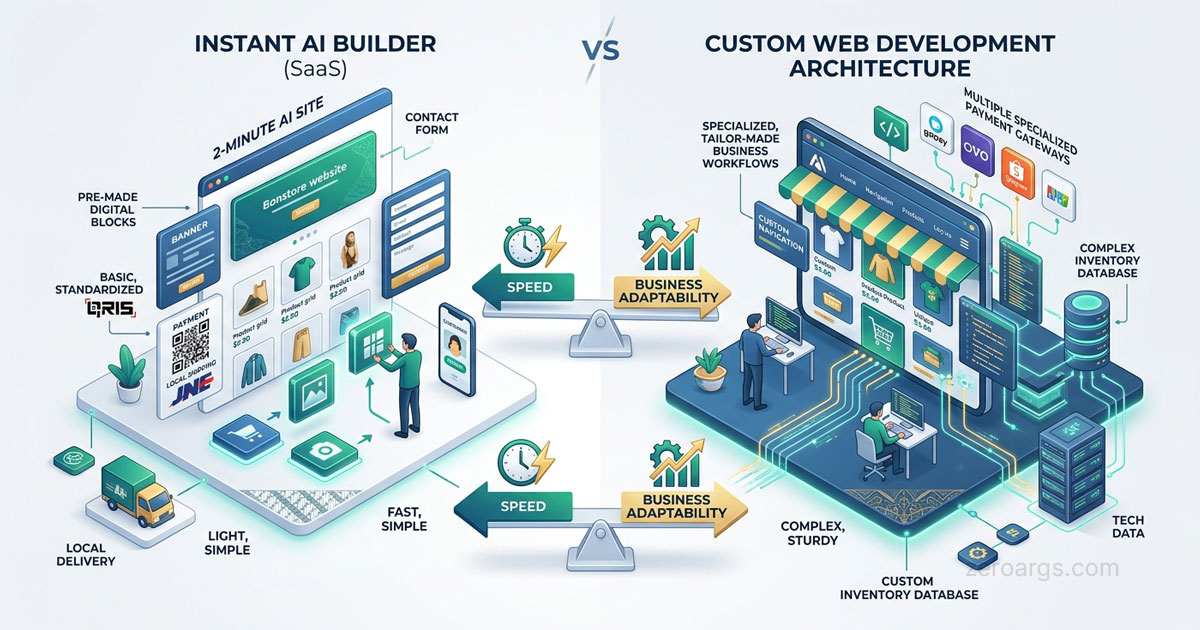
A realistic strategy: keep selling on Tokopedia, Shopee, or TikTok Shop for discovery, register on Sapa UMKM for identity and official programs, and maintain a website as a long-term asset — not either/or.
Conclusion
How to register for Sapa UMKM is straightforward when documents are ready — but full value shows when data, licensing, and assets like your website tell the same story everywhere. Sapa UMKM is a gateway to verification, financing, certification, and a domestic marketplace, not just a download checklist.
If you want to align your Sapa UMKM profile with an operational website, QRIS flows, and a catalog ready for PaDi or omnichannel, we can help build a realistic MVP roadmap — starting with website development for SMBs in Nganjuk. Start a conversation and share your context — we begin from operational problems, not a hanging feature list.
Frequently asked questions
What is Sapa UMKM?
Sapa UMKM is a Ministry of SMEs superapp that combines business registration data, licensing, financing, training, and a planned domestic marketplace in one NIK- and NIB-based ecosystem. It is a government identity and services layer, not a replacement for your website or commercial marketplace storefront.
How do I register for Sapa UMKM online?
Download the Sapa UMKM app from Google Play Store, create an account with your NIK, active phone number, and email, then complete your business profile so the name and address match your legal documents. After basic verification, link your NIB, fill in category and official contacts, and submit for UMKM verification.
What documents do I need to register for Sapa UMKM?
Prepare your NIK/KTP, an active NIB from OSS, a working phone number and email, a clear business photo or logo, an accurate operational address, and a business bank account if you will use the digital wallet or financing pathways. Product certifications such as PIRT, halal, or BPOM help when relevant to your category.
Is Sapa UMKM free? What does it cost?
Registration and core Sapa UMKM services are positioned as free government programs. Costs that may still appear usually come from outside the app, such as product certification, notary work, or commissions on commercial marketplaces you keep using for sales.
What is the difference between Sapa UMKM login and registration?
Registration is a one-time step to create a new account with your NIK and business data. Login is how you return to an existing account. If you already have an account, use login; do not create a second account with the same data, or you risk duplicate profiles.