- umkm
- e-commerce
- engineering
- mvp
POS and Website Integration for Indonesian Hybrid Retail
Guide to POS and website integration for Indonesian hybrid retail SMEs—unified catalog, real-time stock sync, QR ordering, and SaaS vs custom hub comparison.

POS and website integration becomes an operational requirement the moment your store is no longer "online only" or "offline only." In Indonesia in 2026, most retail and F&B MSMEs run a hybrid model: a physical counter with QRIS, orders through WhatsApp, listings on Shopee or Tokopedia, plus a website for repeat orders. The problem is many businesses install digital POS and a website separately—then spend hours every night reconciling stock in spreadsheets. This article explains how to unify POS and website with architecture a small team can operate, not a magic-software promise.
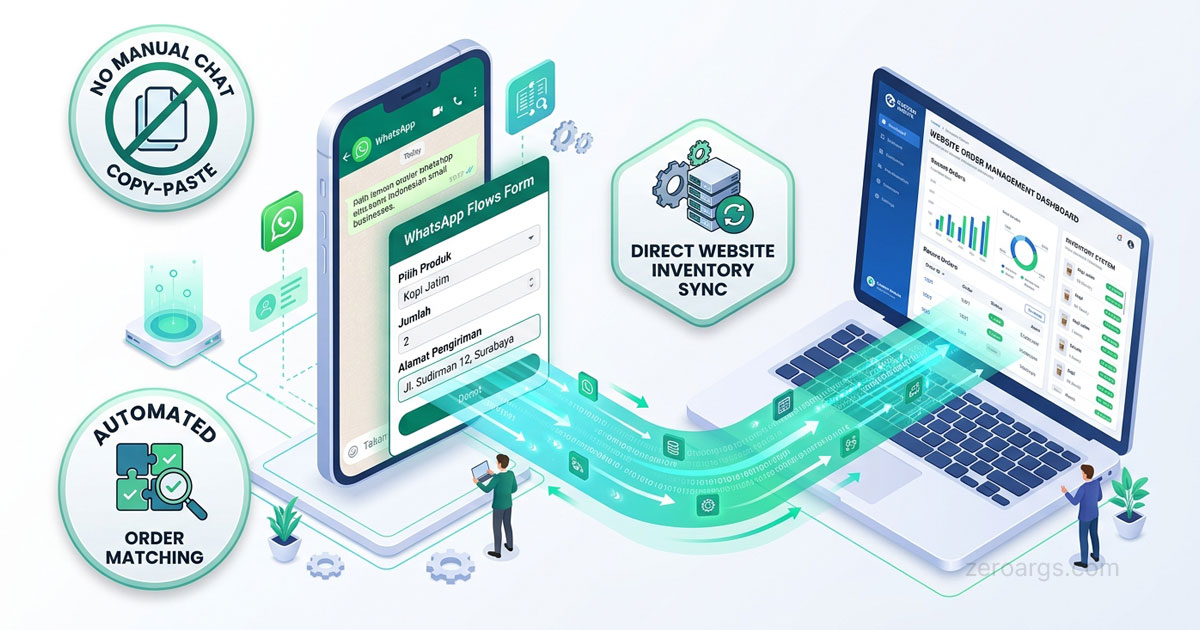
If you already understand omnichannel sync foundations from our omnichannel order and inventory sync guide, here we focus on the physical POS layer: how counter transactions affect website stock, and when SaaS omnichannel is enough versus building a custom hub.
1. Why Hybrid Retail Is the Default in Indonesia 2026
Several demand signals make POS–website integration more urgent:
- Mobile-first commerce — 68% of Indonesians rely on smartphones as their primary digital interface; counter and website transactions happen on the same class of device.
- QRIS merchant boom — searches related to QRIS merchant onboarding rose more than 400% over four years; digital payments at physical stores are mainstream, not optional.
- Mature omnichannel platforms — Mekari POS, Jubelio, Majoo, and Loka Kasir offer marketplace, POS, and website sync in one ecosystem.
- Thin marketplace margins — a 50% service-fee discount through Sapa UMKM frees budget for owned-channel infrastructure, including websites connected to physical store operations.
For MSMEs in Nganjuk, Kediri, Madiun, or Surabaya, hybrid retail does not require enterprise multi-branch scale. One counter plus a website is enough to need clean integration.
2. Failure Modes When POS and Website Stay Separate
Before choosing tools, recognize classic symptoms of disconnected systems:
| Symptom | Business impact |
|---|---|
| Website shows "in stock" after the counter sold out | Online customers disappointed, marketplace ratings drop |
| Daily POS and website reports do not match | Owners cannot see real margin per channel |
| Two people update stock in different places | Overselling or inventory variance |
| Offline transactions missing from digital financial records | KUR or Sapa UMKM financing access blocked |
The issue is not lack of effort—it is no single rule for where the "true" stock number lives. Without integration, every sales channel pulls from a different source.
3. Unified Product Catalog and SKU Mapping
The first step in POS–website integration is one product master used across all channels:
- Internal SKU as the primary key—not product names that differ between Shopee and the counter.
- Variants (size, color, flavor) mapped to child SKUs, not separate entries without relationships.
- Prices can differ per channel, but SKUs must match.
- Stock lives in one place; POS and website only read and decrement from that source.
A minimal structure we use with clients:
sku: "KOPI-250G-ARABICA"
name: "Arabica Coffee 250g"
stock_on_hand: 42
channels:
  pos: { price: 85000, active: true }
  website: { price: 80000, active: true }
  shopee: { price: 90000, active: true, external_id: "12345678" }
Mapping SKUs to external marketplace IDs can start manually. What matters: no transaction without an internal SKU. This is the same foundation as digital bookkeeping for Indonesian SMEs—every transaction line must trace to a specific product.
4. Stock Sync Flow: POS → Website
Every counter sale should decrement the stock your website displays. Three common integration patterns:
Webhook from POS to backend
- POS transaction completes → POS sends a
sale.completedevent with SKU list and quantities. - Backend decrements
stock_on_handand triggers updates to the website and marketplace (if connected).
Scheduled polling
- Backend pulls POS transaction data every 5–15 minutes.
- Simpler to set up, but a wider oversell window during each polling interval.
Scheduled file sync
- Export CSV from POS, import into the central system.
- Only for very small businesses with low volume; not scalable.
A minimal handler after a POS transaction:
async function onPosSaleCompleted(event: {
  transaction_id: string;
  items: Array<{ sku: string; qty: number }>;
}) {
  for (const item of event.items) {
    await inventory.decrement(item.sku, item.qty, {
      source: "pos",
      ref: event.transaction_id,
    });
  }
  await websiteCache.invalidateStock(event.items.map((i) => i.sku));
}
Important rule: stock decrements only after payment is verified at the POS (not when items are added to the counter cart). This aligns with omnichannel sync principles: avoid locking stock for unfinished transactions.
5. QR Ordering and Checkout Bridges
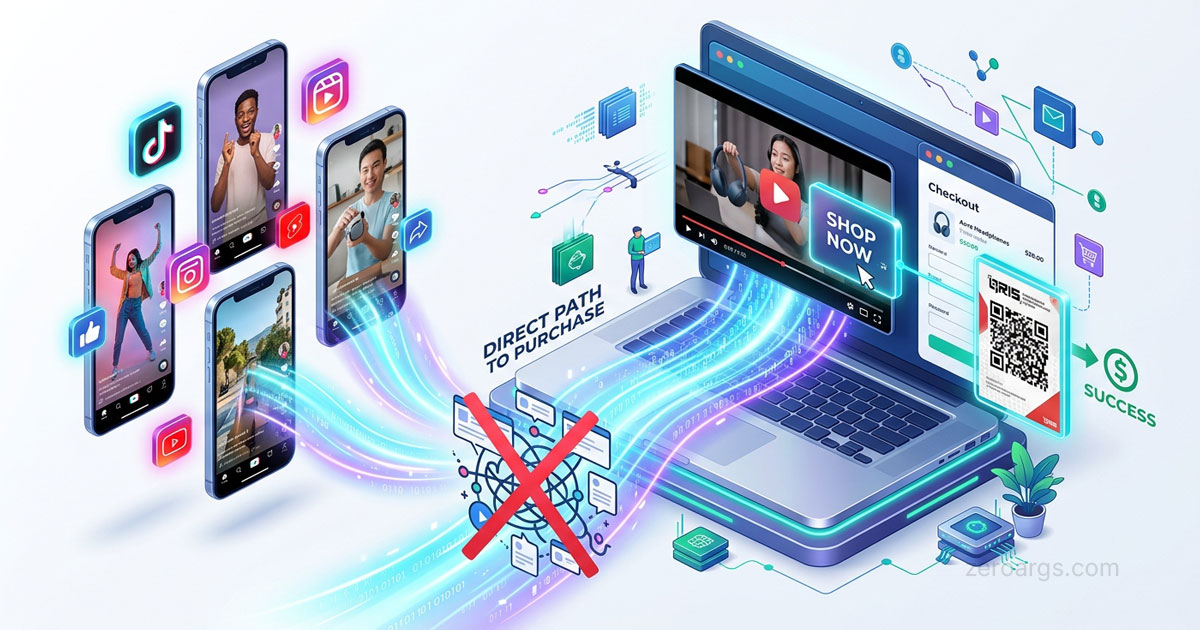
Hybrid retail in Indonesia often uses QR codes as bridges between physical and digital:
Table QR (F&B)
- Customer scans → website order page or PWA → pay via QRIS or GoPay.
- Order enters the same system as the counter; kitchen sees one queue.
Shelf QR (retail)
- Scan → product detail on the website with real-time stock.
- Customer pays in store or orders delivery.
Receipt QR from POS
- Digital receipt to customer WhatsApp with a website repeat-order link.
- Fits shifting repeat orders to healthier-margin channels, aligned with owned channel strategy.
Every QR should carry tracking parameters (?src=table_qr, ?src=shelf_qr) so you know which in-store touchpoint drives online conversion.
6. Offline Mode and Sync Strategy
Many MSME POS apps (Mekari POS, KasirTa, Loka Kasir) support offline mode. Transactions are stored locally and synced when internet returns. This matters for shops in areas with unstable connectivity—including many locations in East Java.
Rules to define before relying on offline in production:
| Scenario | Recommended rule |
|---|---|
| POS offline, website still online | Website shows last known stock; display "limited stock" warning if offline > 30 minutes |
| Stock conflict after sync | Backend as arbiter; log variance for manual review |
| Duplicate transaction (retry) | Use unique transaction_id from POS; reject duplicates |
Do not let offline mode become a permanent excuse for overselling. If offline is frequent, consider backup connectivity (4G modem) or limit online sales for low-stock SKUs.
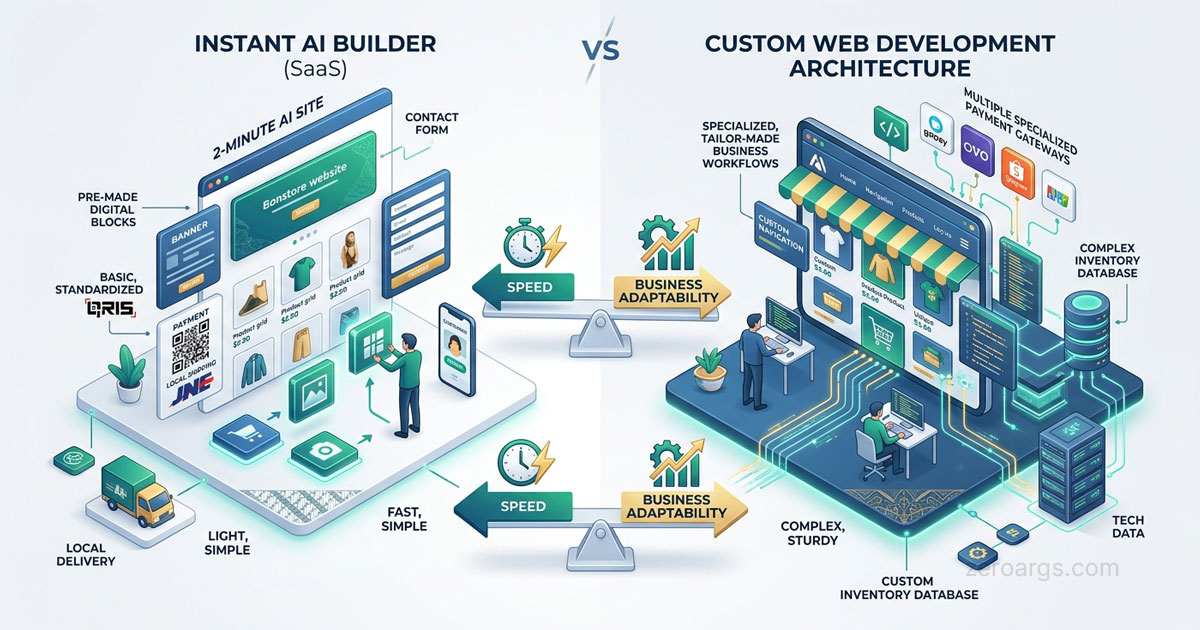
7. SaaS Omnichannel vs Custom Website Hub
Build versus buy is the core decision in POS–website integration:
| Factor | SaaS (Mekari, Jubelio, Majoo) | Custom website hub |
|---|---|---|
| Time-to-market | 1–3 weeks setup | 4–12 weeks development |
| Upfront cost | Monthly subscription (Rp 100k–500k+) | Development investment (Rp 5–30M+) |
| Flow flexibility | Limited to platform features | Fully custom business flows |
| Specific channel integration | Major marketplaces built-in | Development per channel |
| Data ownership | Data on vendor platform | Data on your infrastructure |
| Scalability | Platform handles volume | You manage infrastructure |
Choose SaaS if: one or two counters, standard sales channels (Shopee, Tokopedia, template website), no developer team, and you need operations running this week.
Choose custom hub if: unique pre-order flows, integration with internal systems (ERP, production), multi-warehouse with complex logic, or specific compliance needs (Indonesia's UU PDP, detailed audit trails).
Hybrid combinations work too: SaaS POS for the counter, custom website as storefront connected via API. Many clients start with SaaS, then build a custom layer when volume and complexity grow.
8. 30-Day Implementation Roadmap
Realistic phased steps for a small team:
Week 1 — Audit and master data
- Inventory all SKUs with consistent internal codes.
- Document active sales channels (counter, website, marketplace, WhatsApp).
- Choose the source of truth for stock.
Week 2 — Connect POS to backend
- Enable API or webhook from your chosen POS app.
- Test dummy transactions: POS sales must decrement stock in the central system.
- Verify daily reports match between POS and backend.
Week 3 — Connect website
- Website reads stock from the central backend, not a separate database.
- Implement QR ordering if relevant (table, shelf, receipt).
- Test oversell scenario: buy at counter while someone else checks out online.
Week 4 — Marketplace and monitoring
- Connect marketplaces to the central system (manual, SaaS, or API).
- Set alerts: stock below threshold, POS–website variance, offline transactions pending sync.
- Review channel mix report: what share of revenue comes from counter vs online.
If your website is still a template without a backend, consider whether custom vs template websites should be upgraded before investing in POS integration.
Conclusion
POS and website integration is not a bonus feature for hybrid stores—it is the foundation for accurate stock, consolidated financial reports, and customers who are not disappointed by overselling. Start with a unified product catalog and one stock source of truth, then connect POS and website through APIs or webhooks. SaaS omnichannel is enough for many MSMEs; a custom hub makes sense when your business flows cannot map to vendor templates.
At Zero Args Technology, we help MSMEs and businesses in Nganjuk and across Indonesia build websites and integration systems that connect physical counters to digital channels—from data architecture to API implementation. Start a conversation if you want to assess whether SaaS or a custom hub fits your hybrid store.
Frequently asked questions
Do SMEs that already have a website still need digital POS?
If you have a physical store or sales counter, digital POS is still required. The website manages the online channel; POS records offline transactions. Without integration, stock and financial reports stay split and overselling becomes likely.
How do you sync physical store stock to a website in real time?
Choose one source of truth for inventory, then connect POS and website through APIs or webhooks. Every POS transaction should decrement the same stock the website displays—not a manual spreadsheet update.
SaaS omnichannel or custom website as the integration hub?
SaaS platforms like Mekari Desty or Jubelio fit when you need a fast solution without an engineering team. A custom hub makes sense for unique business flows, deep internal system integration, or channels SaaS does not support.
Can POS operate when the internet goes down?
Yes. Many modern POS apps support offline mode. Transactions are stored locally and synced when connectivity returns. Define stock conflict rules before relying on offline mode in production.